Introduzione
This guide will show you how to detach the motherboard from the printer, in order to replace or repair it.
Cosa ti serve
-
-
-
Gently pull the 6 ribbon wires out.
-
Gently pull the 4 molded cable assemblies out.
-
-
-
Once all wires and screws have been removed, gently take the motherboard out of the printer.
-
These wires are soldered onto the bottom of the PCB and must be de-soldered in order to completely detach the motherboard from the printer.
-
De-solder these eight solder joints on the bottom of the motherboard.
-
When reinstalling the motherboard back into the printer, solder the highlighted joints (in orange markers in the second photo) back onto the board.
-


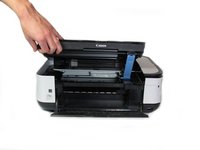
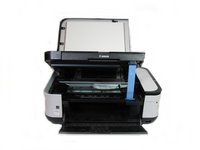


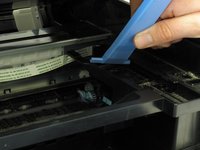
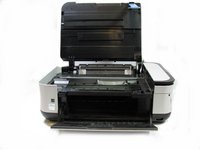

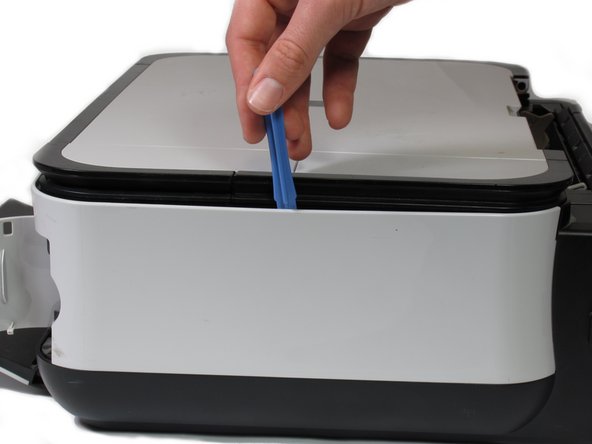


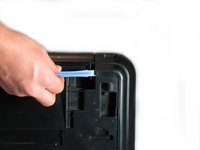

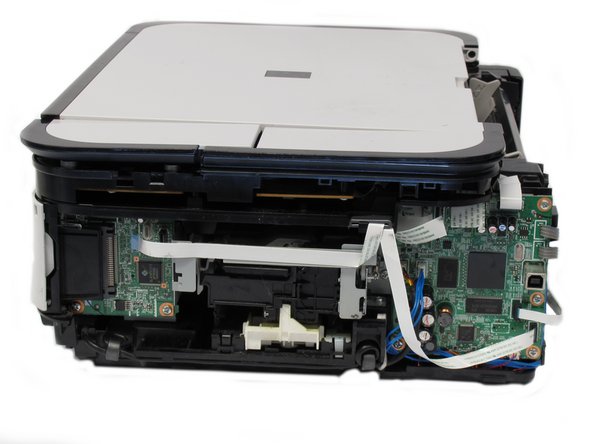


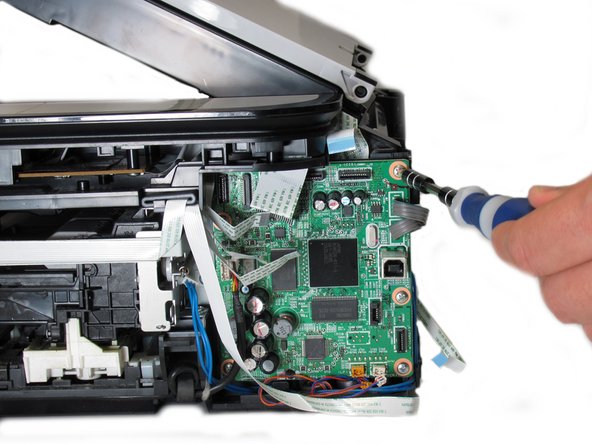
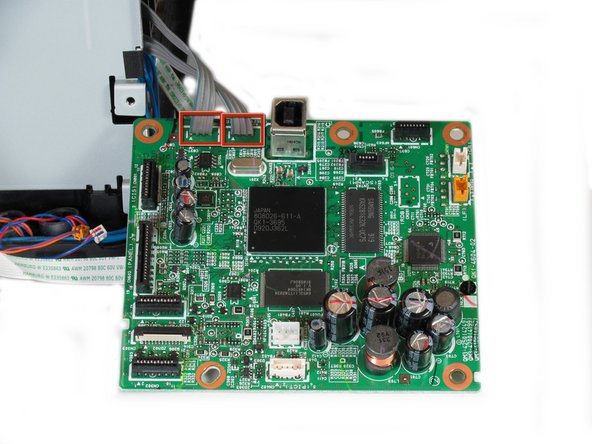
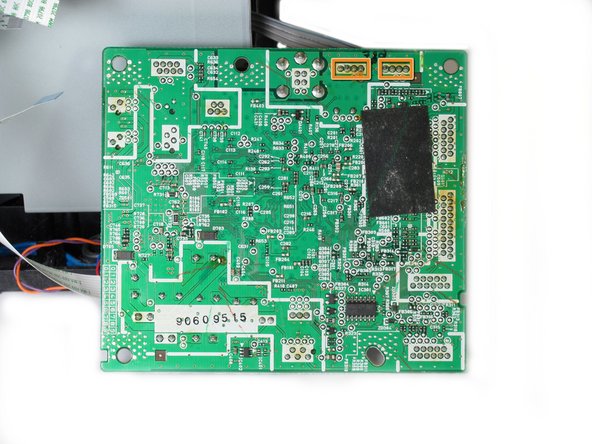
Congratulations on successfully removing the motherboard from the printer! To reassemble the motherboard, follow these instructions in reverse order.
Annulla: non ho completato questa guida.
Altre 3 persone hanno completato questa guida.



Team

Cal Poly, Team 19-41, Regan Winter 2013 Membro di Cal Poly, Team 19-41, Regan Winter 2013
CPSU-REGAN-W13S19G41
4 Membri
6 Guide realizzate
