Introduzione
The side paneling is the plastic that protects the inside of the printer. This guide will teach you how to effectively remove the paneling without cracking it.
Cosa ti serve
-
-
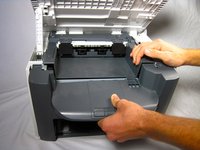
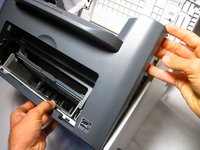
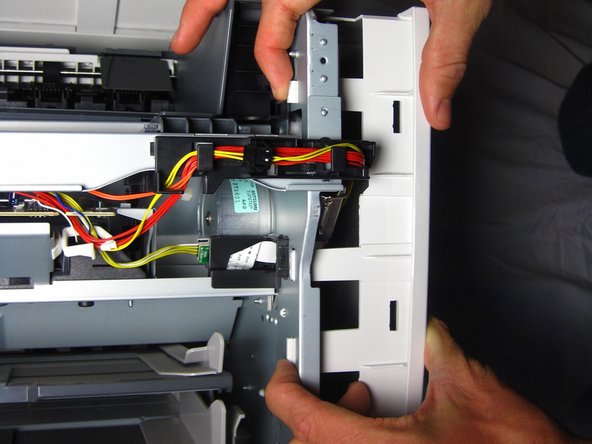
Gently unhook the right side paneling (as looking at the printer's front face) from the printer.
-

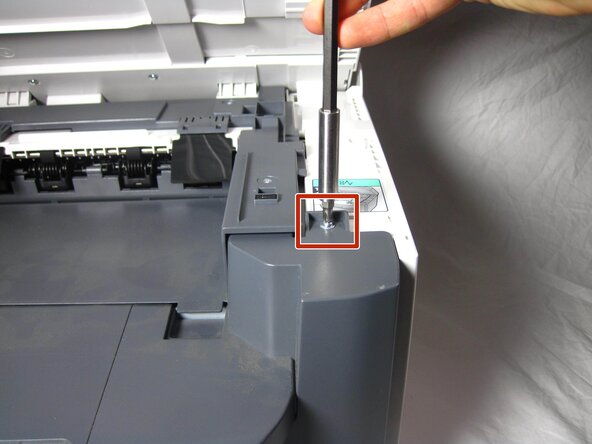
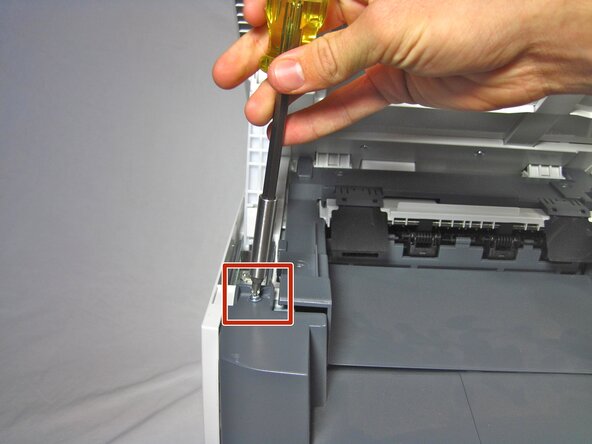

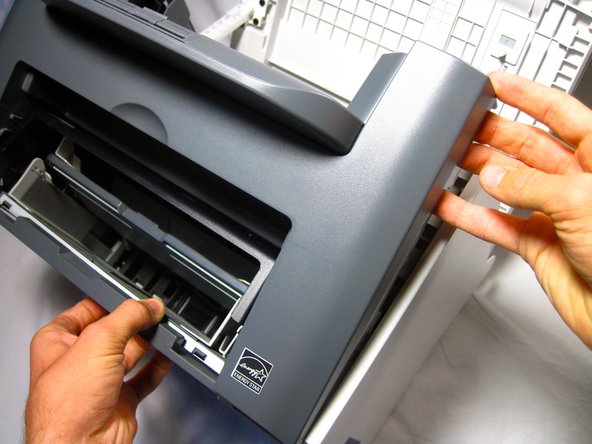

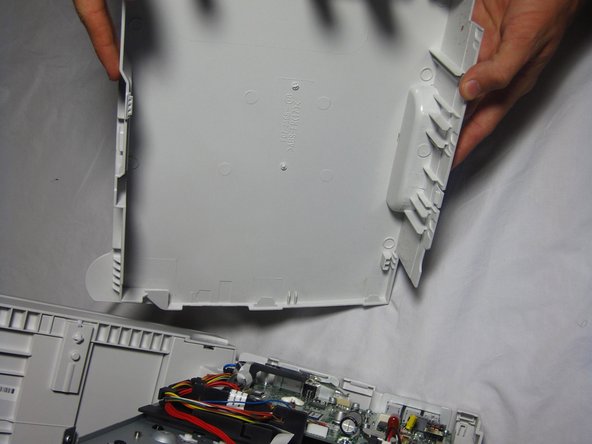
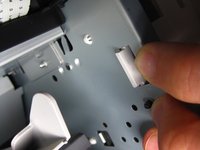
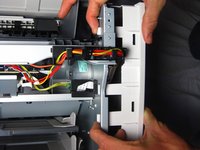
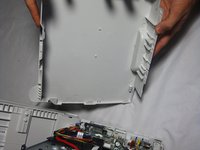
To reassemble your device, follow these instructions in reverse order.
Annulla: non ho completato questa guida.
Altre 3 persone hanno completato questa guida.



Team

Cal Poly, Team 13-1, Forte Fall 2013 Membro di Cal Poly, Team 13-1, Forte Fall 2013
CPSU-FORTE-F13S13G1
5 Membri
16 Guide realizzate
1Commento della guida
Tore paper when removing jamed paper. A small piece of paper must still be in machine.
