Introduzione
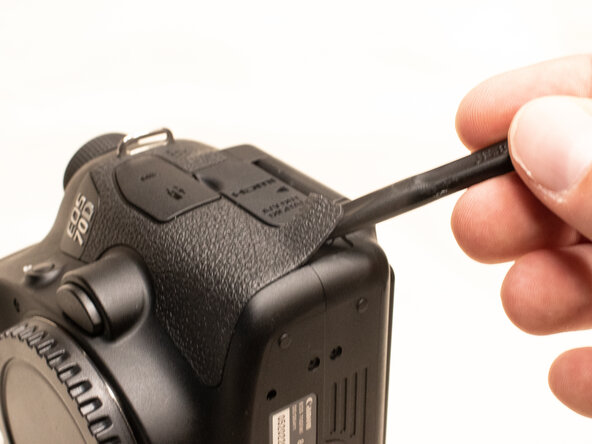
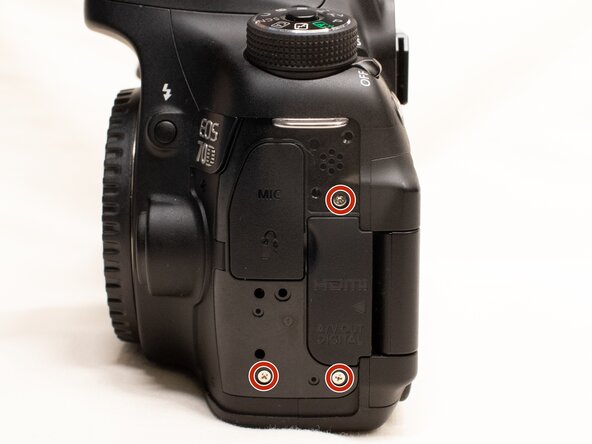
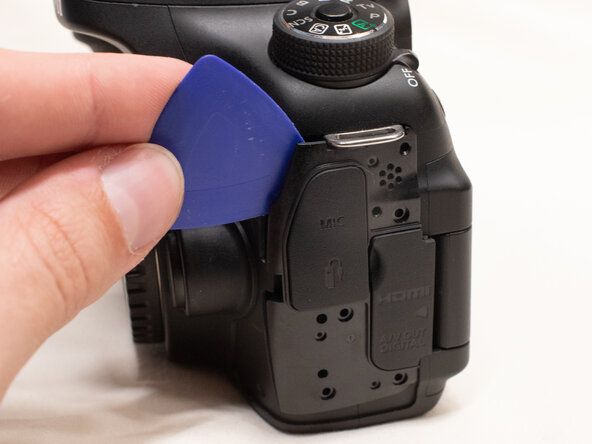
This guide will show you how to replace the interface cover, which includes both the plastic cover and the rubber caps over the interface itself.
Note that the Phillips #000 screwdriver is marked as an optional tool as you can always use the JIS #000 screwdriver in its place (JIS screwdrivers won't damage Phillips head screws).
Cosa ti serve
-
-
Before beginning, remove the battery and SD card from the camera.
-
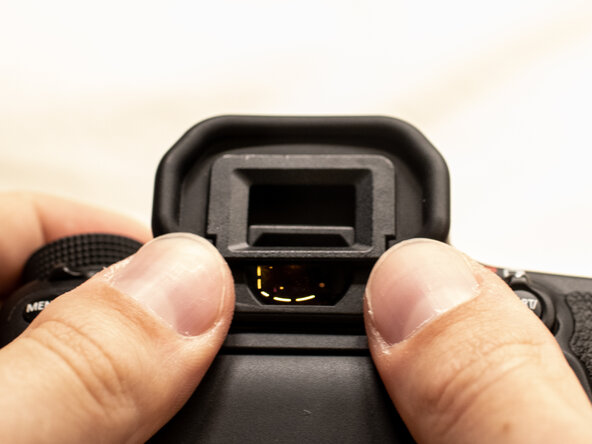
Using your thumbs, push up on the eyepiece to remove it.
-
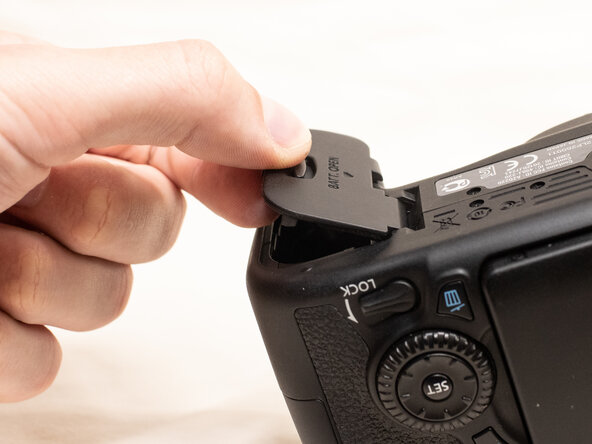
Remove the battery door.
-
Open the battery door to about a 35° angle.
-
Pull the battery door straight outwards.
-
-
Conclusione
To reassemble your device, follow these instructions in reverse order.


