Salta al contenuto principale
Unisciti alla Community delle riparazioni - Crea un account

BlackBerry 7100g Screen Replacement

Cosa ti serve

  1. BlackBerry 7100g Screen Replacement, Battery: passo 1, immagine 1 di 1
    • Turn over your BalckBerry 7100g so that the back cover is facing up.

    • Locate the battery cover release button near the bottom of the back panel.

    Chiedi a FixBot
  2. BlackBerry 7100g Screen Replacement: passo 2, immagine 1 di 3 BlackBerry 7100g Screen Replacement: passo 2, immagine 2 di 3 BlackBerry 7100g Screen Replacement: passo 2, immagine 3 di 3
    • Push down on the release button with one thumb.

    • Slide the battery cover off with the other thumb.

    Chiedi a FixBot
  3. BlackBerry 7100g Screen Replacement: passo 3, immagine 1 di 1
    • Remove the battery from the battery housing by flipping up the top of the battery.

    Chiedi a FixBot
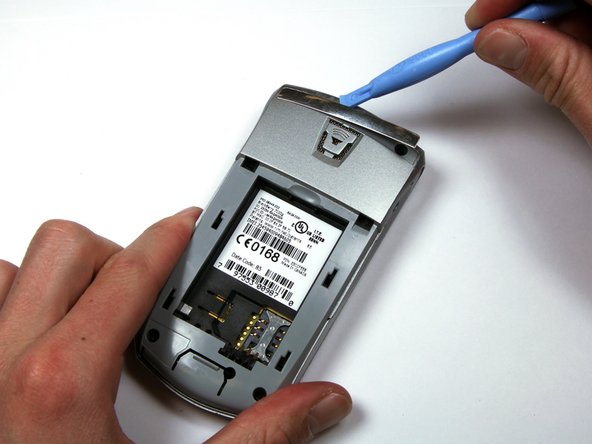
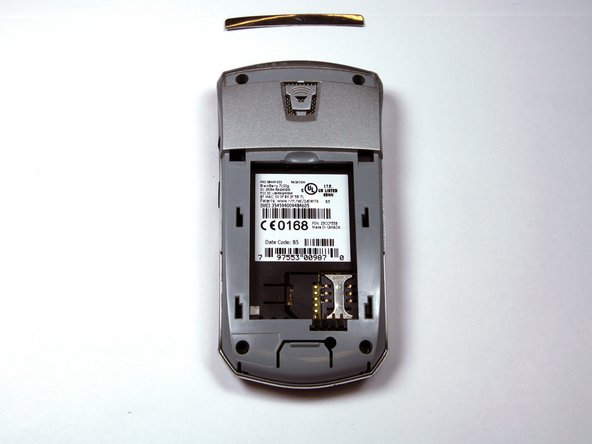
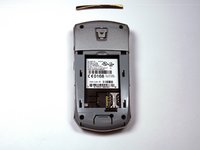
  4. BlackBerry 7100g Screen Replacement, Housing: passo 4, immagine 1 di 3 BlackBerry 7100g Screen Replacement, Housing: passo 4, immagine 2 di 3 BlackBerry 7100g Screen Replacement, Housing: passo 4, immagine 3 di 3
    • Locate the silver strip near the top of your BlackBerry.

    • Use a plastic opening tool to pry off the edge of the silver lining.

    • Slide the tool along the length of the silver strip to completely remove it.

    Chiedi a FixBot
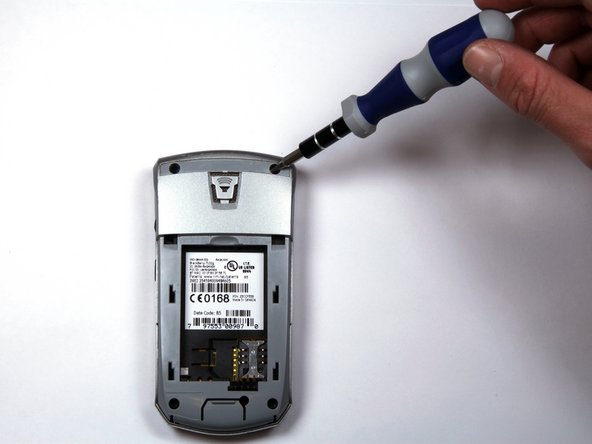
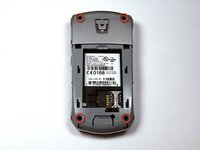
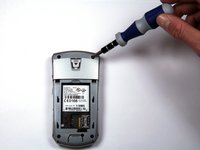
  5. BlackBerry 7100g Screen Replacement: passo 5, immagine 1 di 2 BlackBerry 7100g Screen Replacement: passo 5, immagine 2 di 2
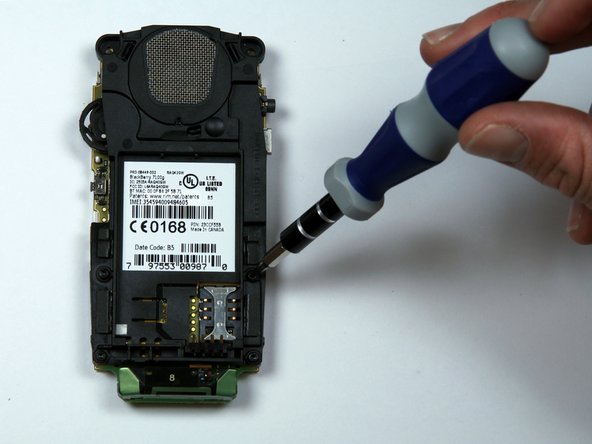
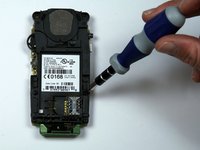
    • Do not lose the screws. They are quite small and can easily be misplaced.

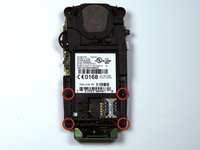
    • Locate and unscrew the four (4) screws using a T6 screwdriver.

    Chiedi a FixBot
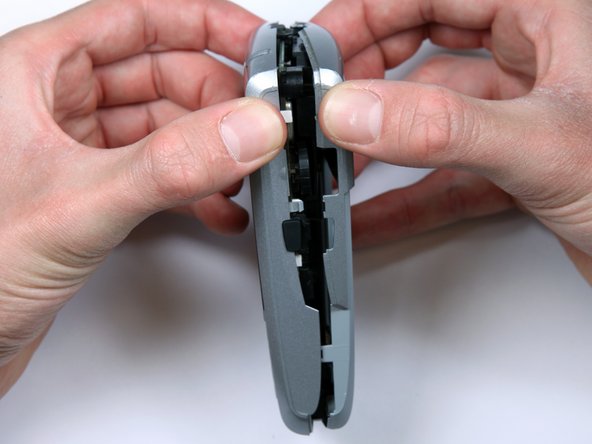
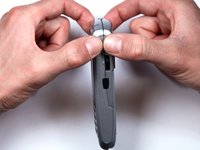
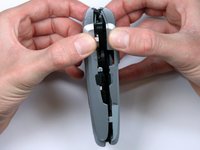
  6. BlackBerry 7100g Screen Replacement: passo 6, immagine 1 di 3 BlackBerry 7100g Screen Replacement: passo 6, immagine 2 di 3 BlackBerry 7100g Screen Replacement: passo 6, immagine 3 di 3
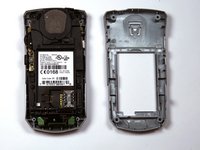
    • The keypad cover may fall out of the housing when prying the housing apart.

    • Tightly pinch the top of the front and back halves of the housing.

    • Carefully pry the two halves of the housing apart.

    Chiedi a FixBot
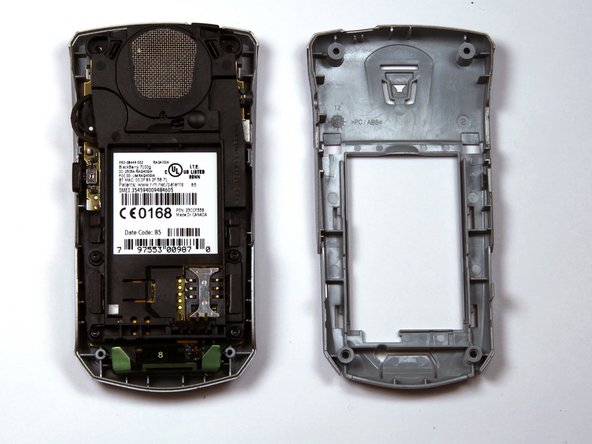
  7. BlackBerry 7100g Screen Replacement: passo 7, immagine 1 di 1
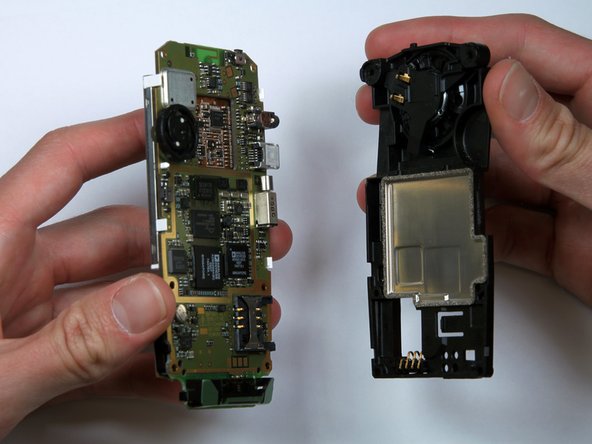
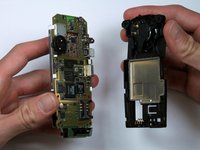
    • You can now easily remove the "guts" of the phone from the housing.

    Chiedi a FixBot
  8. BlackBerry 7100g Screen Replacement, Keypad: passo 8, immagine 1 di 3 BlackBerry 7100g Screen Replacement, Keypad: passo 8, immagine 2 di 3 BlackBerry 7100g Screen Replacement, Keypad: passo 8, immagine 3 di 3
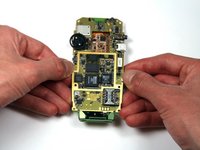
    • Turn the "guts" over so the speaker is facing up.

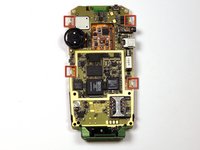
    • Locate and unscrew the four (4) screws near the bottom of the motherboard, using a T6 screwdriver.

    • Separate the battery housing from the motherboard.

    Chiedi a FixBot
  9. BlackBerry 7100g Screen Replacement: passo 9, immagine 1 di 1
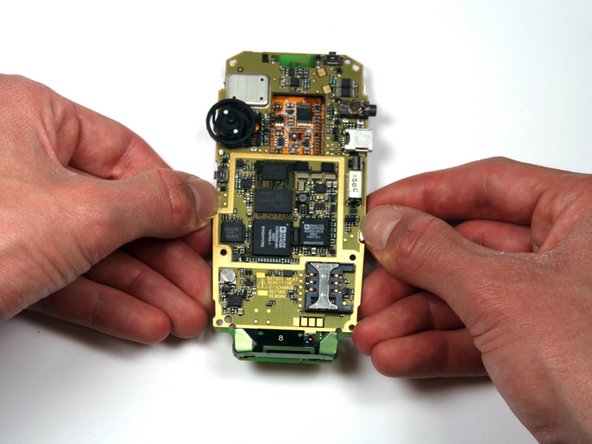
    • Pull the keypad off of the motherboard.

    • It should come off with little effort. If not, there are several tabs that can be released on either side of the keypad.

    Chiedi a FixBot
  10. BlackBerry 7100g Screen Replacement, Screen: passo 10, immagine 1 di 2 BlackBerry 7100g Screen Replacement, Screen: passo 10, immagine 2 di 2
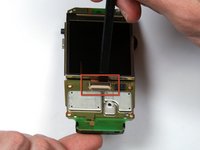
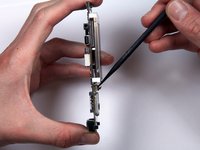
    • Locate the ribbon connector below the bottom of the screen.

    • Use a spudger to flip up the connector.

    Chiedi a FixBot
  11. BlackBerry 7100g Screen Replacement: passo 11, immagine 1 di 3 BlackBerry 7100g Screen Replacement: passo 11, immagine 2 di 3 BlackBerry 7100g Screen Replacement: passo 11, immagine 3 di 3
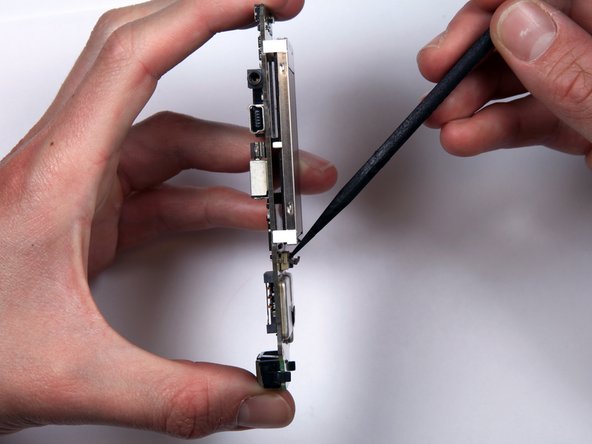
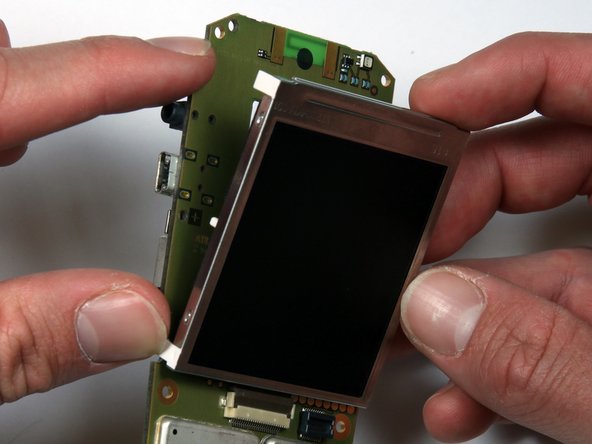
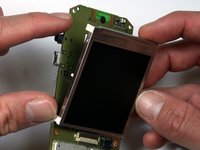
    • Locate the four (4) white tabs that attach the screen to the motherboard.

    • Carefully detach the tabs from the motherboard.

    • The screen can now be removed from the motherboard.

    Chiedi a FixBot
Conclusione

To reassemble your device, follow these instructions in reverse order.

Un'altra persona ha completato questa guida.

Team

Cal Poly, Team 25-87, Amido Spring 2010 Membro di Cal Poly, Team 25-87, Amido Spring 2010

CPSU-AMIDO-S10S25G87

4 Membri

17 guide realizzate

1Commento della guida

just a heads up don't do this with a iPhone it does not work at All!

Jaxson HUTCHINSON - Rispondi Condividi
Aggiungi Commento

Visualizza statistiche:

Ultime 24 ore: 5

Ultimi 7 giorni: 14

Ultimi 30 giorni: 68

Tutti i Tempi: 2,253