Salta al contenuto principale

Bissell CleanView Compact 3508 Power Switch Replacement

Cosa ti serve

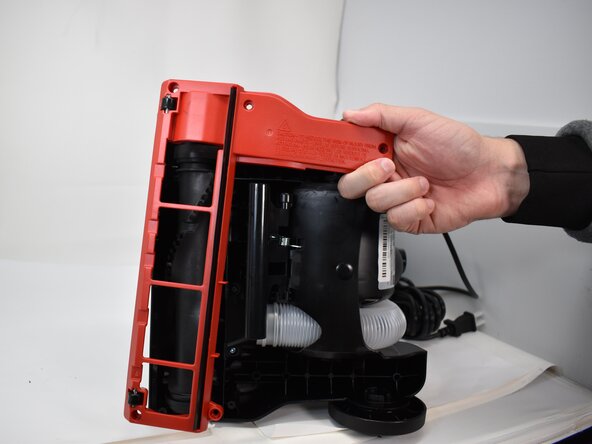
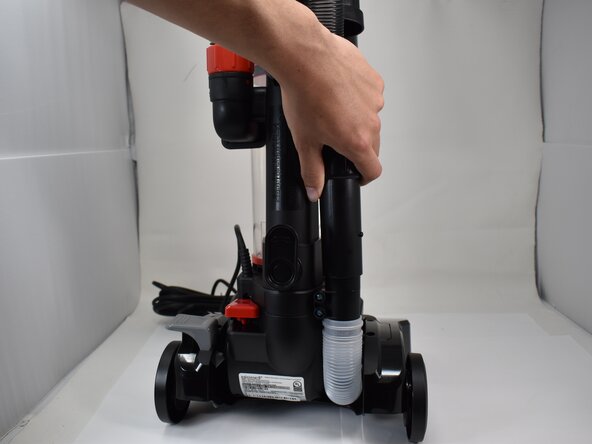
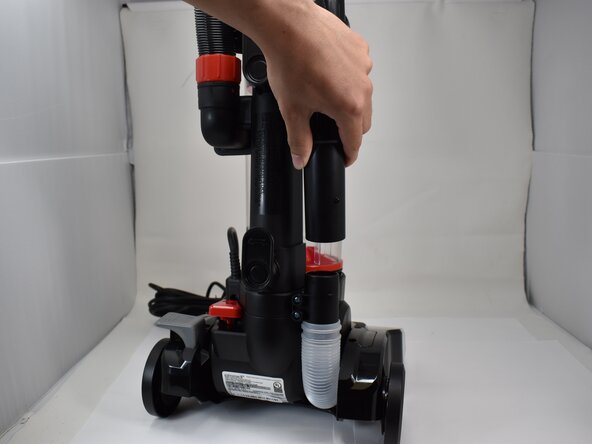
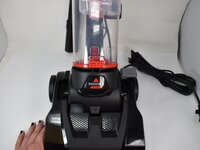
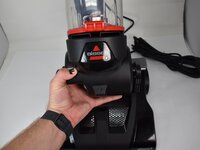
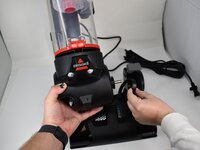
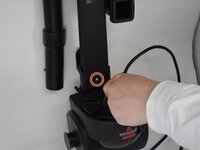
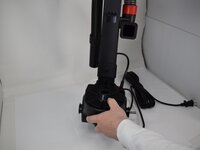
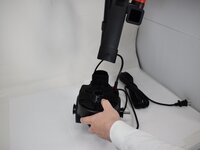
  1. Bissell CleanView Compact 3508 Power Switch Replacement, Brush Roll Cover: passo 1, immagine 1 di 3 Bissell CleanView Compact 3508 Power Switch Replacement, Brush Roll Cover: passo 1, immagine 2 di 3 Bissell CleanView Compact 3508 Power Switch Replacement, Brush Roll Cover: passo 1, immagine 3 di 3
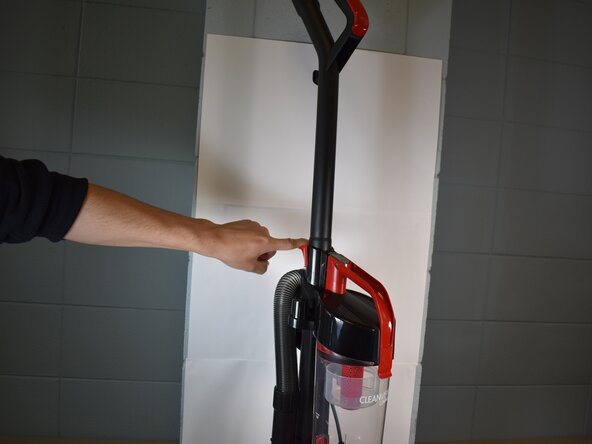
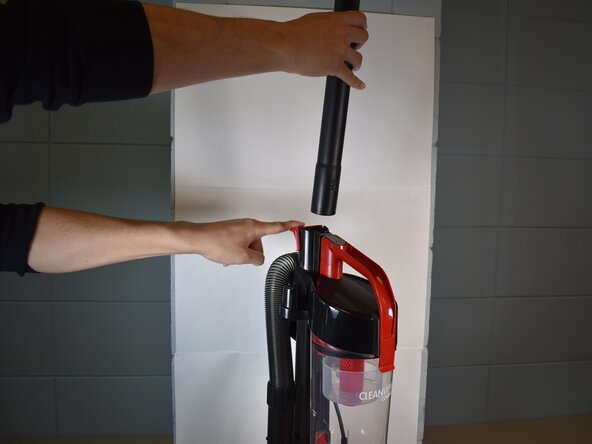
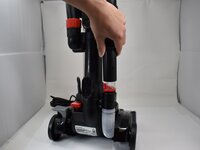
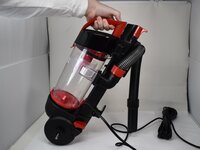
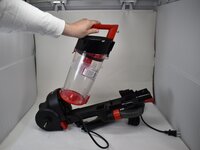
    • With the vacuum in an upright position, press the latch on the rear of the spine to remove the handle from the vacuum.

  2. Bissell CleanView Compact 3508 Power Switch Replacement: passo 2, immagine 1 di 2 Bissell CleanView Compact 3508 Power Switch Replacement: passo 2, immagine 2 di 2
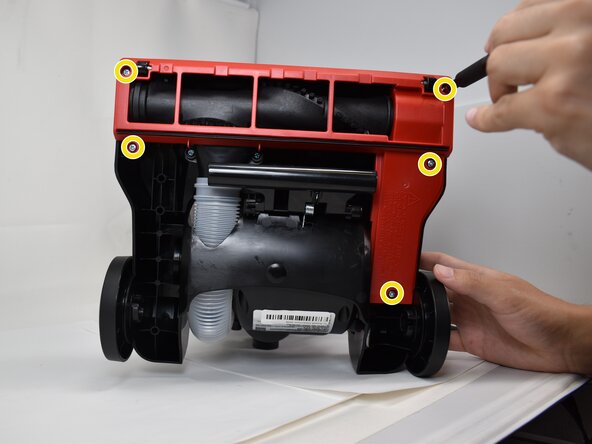
    • Use a Phillips #2 screwdriver to remove the five 20.7 mm screws on the underside of the brush roll cover.

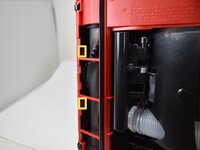
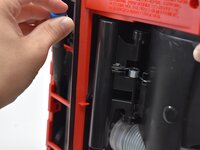
  3. Bissell CleanView Compact 3508 Power Switch Replacement: passo 3, immagine 1 di 3 Bissell CleanView Compact 3508 Power Switch Replacement: passo 3, immagine 2 di 3 Bissell CleanView Compact 3508 Power Switch Replacement: passo 3, immagine 3 di 3
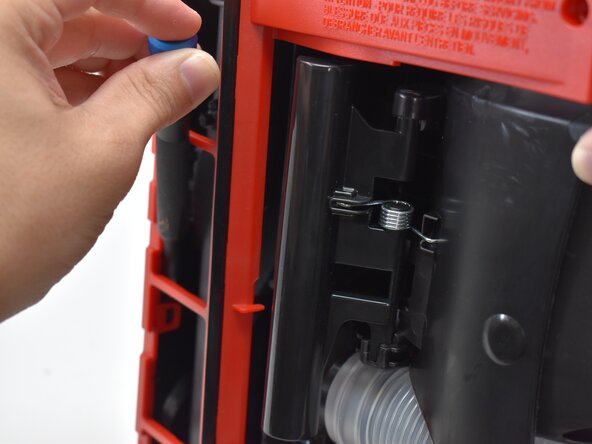
    • Use a pry tool or flathead screwdriver to disengage the two retaining clips securing the brush roll cover.

    • Remove the brush roll cover.

  4. Bissell CleanView Compact 3508 Power Switch Replacement, Top/Bottom: passo 4, immagine 1 di 3 Bissell CleanView Compact 3508 Power Switch Replacement, Top/Bottom: passo 4, immagine 2 di 3 Bissell CleanView Compact 3508 Power Switch Replacement, Top/Bottom: passo 4, immagine 3 di 3
    • Disconnect the main black hose from its lower attachment point.

  5. Bissell CleanView Compact 3508 Power Switch Replacement: passo 5, immagine 1 di 1
    • Use a Phillips #2 screwdriver to remove the two 20.7 mm screws from the lower hose attachment point.

  6. Bissell CleanView Compact 3508 Power Switch Replacement: passo 6, immagine 1 di 3 Bissell CleanView Compact 3508 Power Switch Replacement: passo 6, immagine 2 di 3 Bissell CleanView Compact 3508 Power Switch Replacement: passo 6, immagine 3 di 3
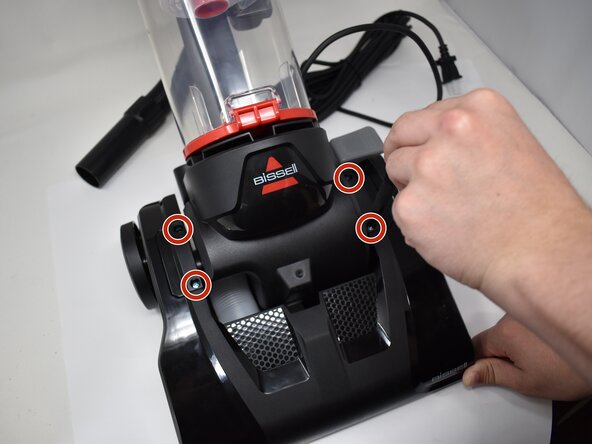
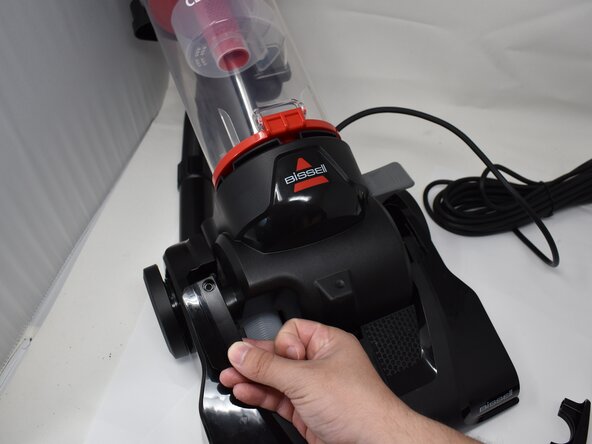
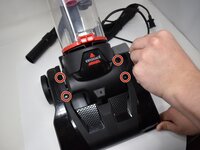
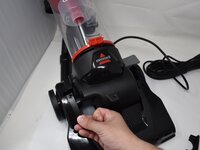
    • Use a Phillips #2 screwdriver to remove the four 20.7 mm screws on the upper cover plates.

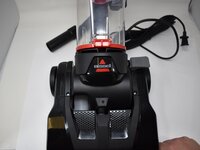
    • Remove the two upper cover plates.

  7. Bissell CleanView Compact 3508 Power Switch Replacement: passo 7, immagine 1 di 3 Bissell CleanView Compact 3508 Power Switch Replacement: passo 7, immagine 2 di 3 Bissell CleanView Compact 3508 Power Switch Replacement: passo 7, immagine 3 di 3
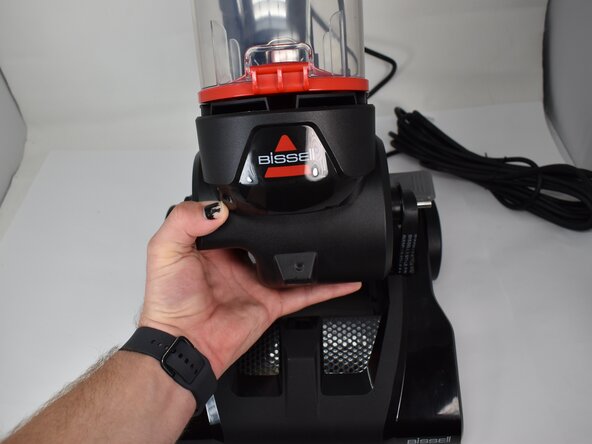
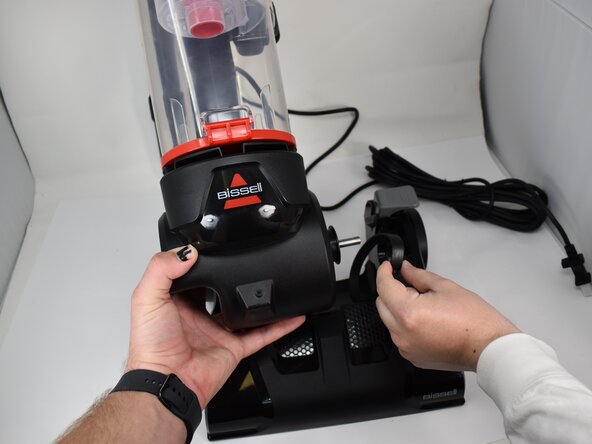
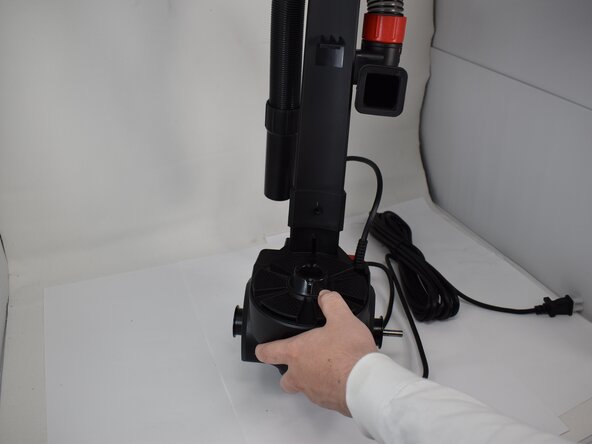
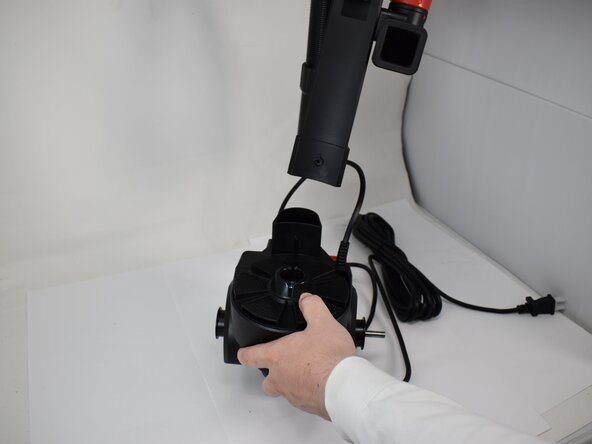
    • Gently pull the top half up and to the side away from the drive shaft to separate both halves.

    • Pull the belt through the socket, and remove the belt from the drive shaft.

  8. Bissell CleanView Compact 3508 Power Switch Replacement, Motor: passo 8, immagine 1 di 2 Bissell CleanView Compact 3508 Power Switch Replacement, Motor: passo 8, immagine 2 di 2
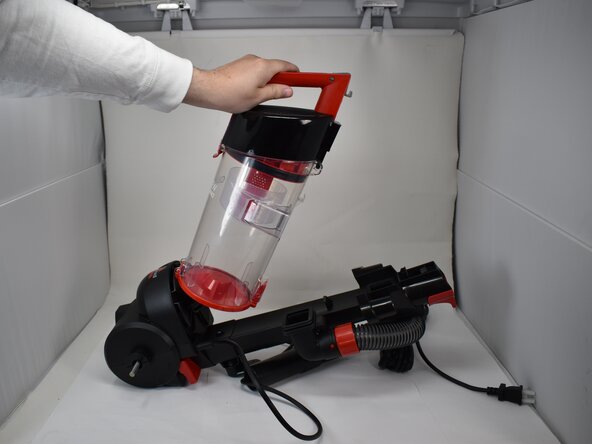
    • Push the button on the canister to remove it from the spine.

    • Set the canister to the side.

  9. Bissell CleanView Compact 3508 Power Switch Replacement: passo 9, immagine 1 di 3 Bissell CleanView Compact 3508 Power Switch Replacement: passo 9, immagine 2 di 3 Bissell CleanView Compact 3508 Power Switch Replacement: passo 9, immagine 3 di 3
    • Remove the one 20.7 mm screw with a Phillips #2 screwdriver.

    • Separate the spine from the motor.

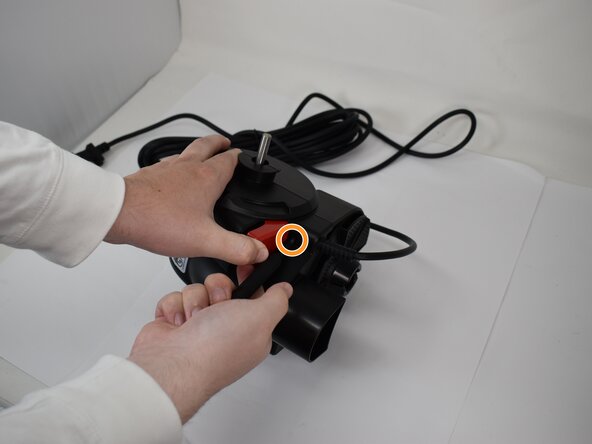
  10. Bissell CleanView Compact 3508 Power Switch Replacement: passo 10, immagine 1 di 2 Bissell CleanView Compact 3508 Power Switch Replacement: passo 10, immagine 2 di 2
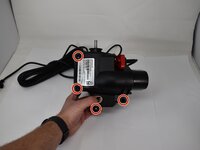
    • Remove the four 2.7 mm screws with a Phillips #2 screwdriver.

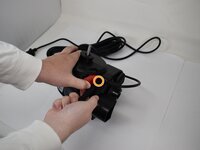
    • Press down on the red lever to access another 20.7mm screw. Remove the screw with a Phillips #2 screwdriver.

  11. Bissell CleanView Compact 3508 Power Switch Replacement: passo 11, immagine 1 di 3 Bissell CleanView Compact 3508 Power Switch Replacement: passo 11, immagine 2 di 3 Bissell CleanView Compact 3508 Power Switch Replacement: passo 11, immagine 3 di 3
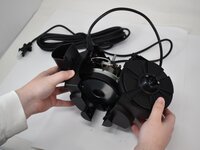
    • Separate the halves.

    • Take care not to strain the connected cables.

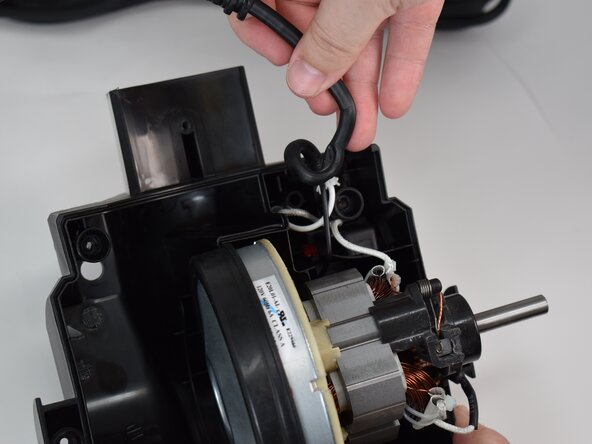
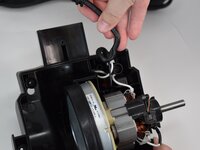
    • Unwind the power cable from its post, and gently pull the motor out of the casing.

  12. Bissell CleanView Compact 3508 Power Switch Replacement: passo 12, immagine 1 di 3 Bissell CleanView Compact 3508 Power Switch Replacement: passo 12, immagine 2 di 3 Bissell CleanView Compact 3508 Power Switch Replacement: passo 12, immagine 3 di 3
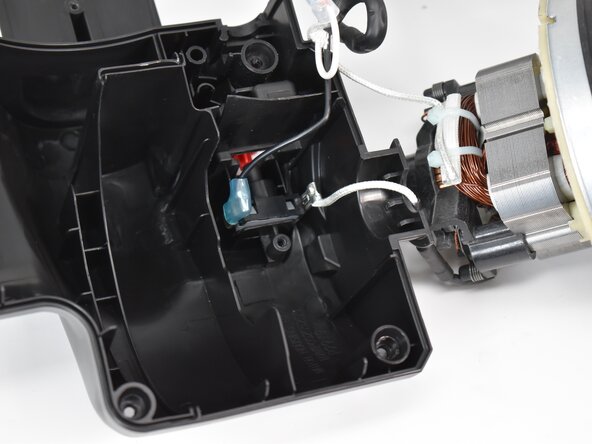
    • By taking the motor out of its casing, the cover of the switch becomes exposed.

    • Use a Phillips #2 screwdriver to remove the 20.7 mm screw from the cover.

    • Gently remove the cover.

  13. Bissell CleanView Compact 3508 Power Switch Replacement: passo 13, immagine 1 di 2 Bissell CleanView Compact 3508 Power Switch Replacement: passo 13, immagine 2 di 2
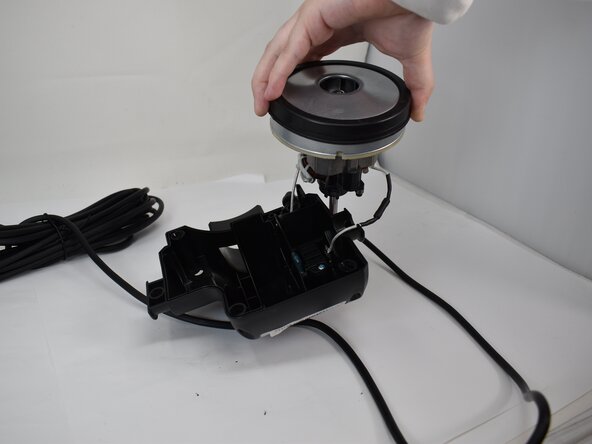
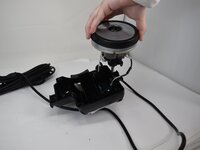
    • Gently disconnect the motor from the connector.

    • Remove the motor.

  14. Bissell CleanView Compact 3508 Power Switch Replacement, Power Switch: passo 14, immagine 1 di 3 Bissell CleanView Compact 3508 Power Switch Replacement, Power Switch: passo 14, immagine 2 di 3 Bissell CleanView Compact 3508 Power Switch Replacement, Power Switch: passo 14, immagine 3 di 3
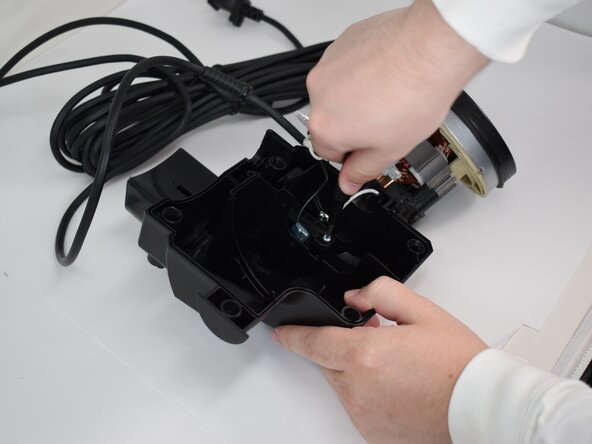
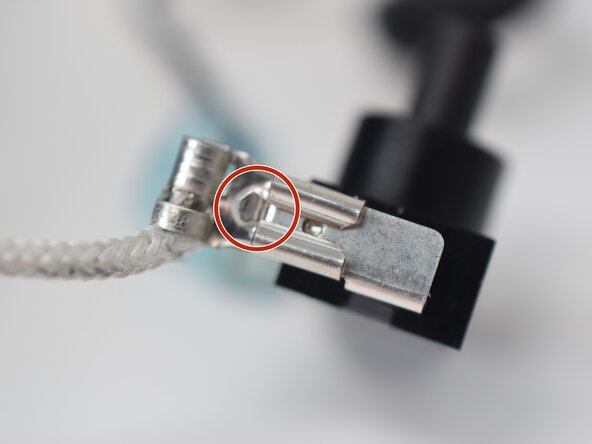
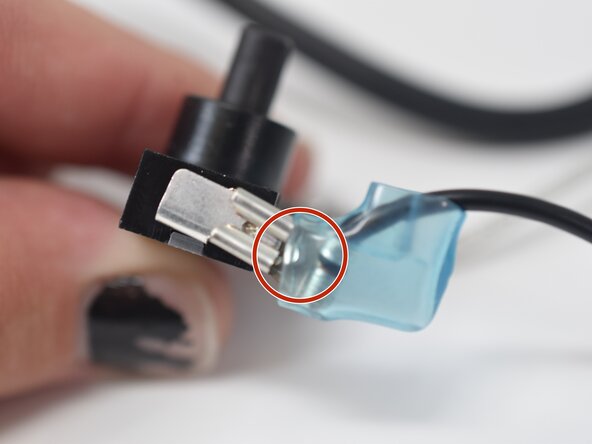
    • Identify the two wire connection points.

  15. Bissell CleanView Compact 3508 Power Switch Replacement: passo 15, immagine 1 di 3 Bissell CleanView Compact 3508 Power Switch Replacement: passo 15, immagine 2 di 3 Bissell CleanView Compact 3508 Power Switch Replacement: passo 15, immagine 3 di 3
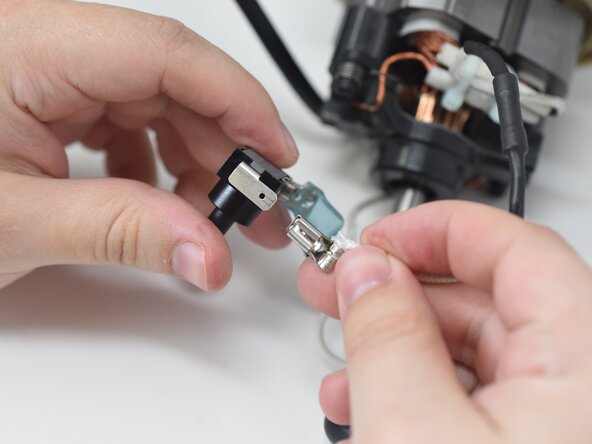
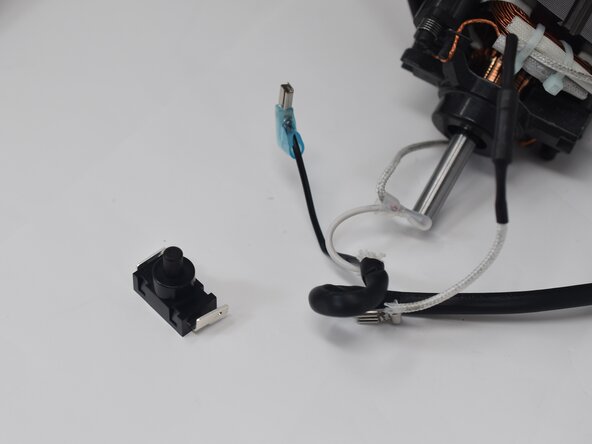
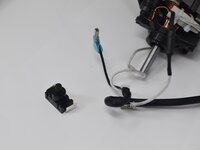
    • Press down on the connection points and slide them out.

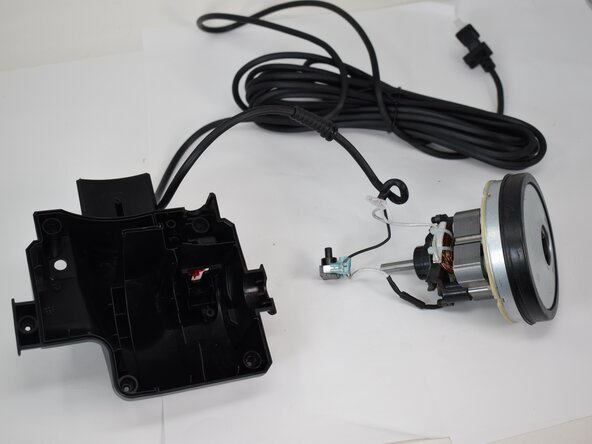
    • When both points are separated, you should have 3 pieces: the power cable, the switch, and the motor.

Conclusione

To reassemble your device, follow these instructions in reverse order.

0Commenti sulla guida

Aggiungi Commento

Visualizza Statistiche:

Ultime 24 Ore: 1

Ultimi 7 Giorni: 2

Ultimi 30 Giorni: 6

Tutti i Tempi: 113