Salta al contenuto principale
Unisciti alla Community delle riparazioni - Crea un account

Bissell Bolt ION 2-in-1 Cordless Battery Replacement

Cosa ti serve

  1. Bissell Bolt ION 2-in-1 Cordless Battery Replacement, Battery: passo 1, immagine 1 di 2 Bissell Bolt ION 2-in-1 Cordless Battery Replacement, Battery: passo 1, immagine 2 di 2
    • Push the silver button to disconnect the dirt dish from the handheld vacuum.

    Chiedi a FixBot

    Aggiungi Commento

  2. Bissell Bolt ION 2-in-1 Cordless Battery Replacement: passo 2, immagine 1 di 2 Bissell Bolt ION 2-in-1 Cordless Battery Replacement: passo 2, immagine 2 di 2
    • Remove the four 4 .4cm screws using your P0 screwdriver head and screwdriver.

    • Remove the Bissell sign to remove the two 4.4cm screws, using your P0 screwdriver head and screwdriver.

    Chiedi a FixBot

    Aggiungi Commento

  3. Bissell Bolt ION 2-in-1 Cordless Battery Replacement: passo 3, immagine 1 di 3 Bissell Bolt ION 2-in-1 Cordless Battery Replacement: passo 3, immagine 2 di 3 Bissell Bolt ION 2-in-1 Cordless Battery Replacement: passo 3, immagine 3 di 3
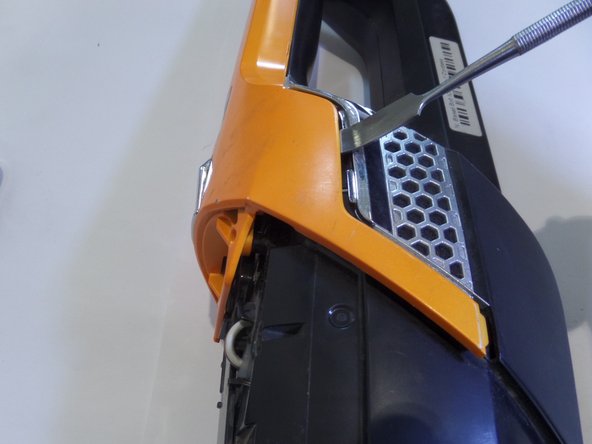
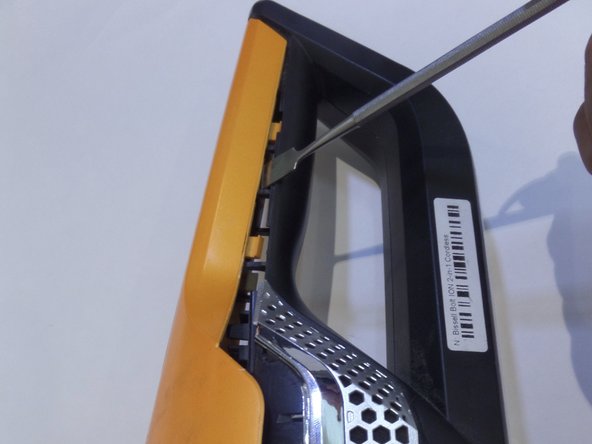
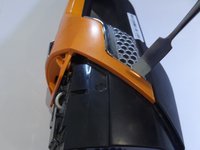
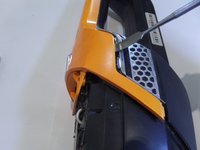
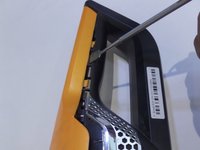
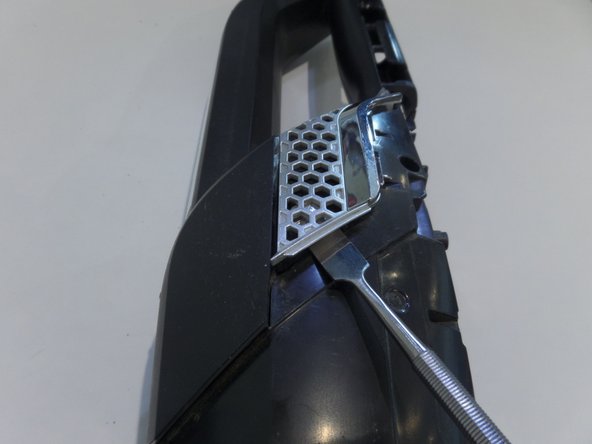
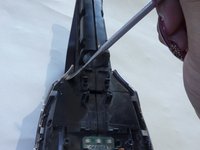
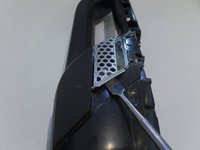
    • Using the metal spudger, insert and lift up to remove the frame from the body.

    • Move along the line and repeat on the other side.

    Chiedi a FixBot

    Aggiungi Commento

  4. Bissell Bolt ION 2-in-1 Cordless Battery Replacement: passo 4, immagine 1 di 2 Bissell Bolt ION 2-in-1 Cordless Battery Replacement: passo 4, immagine 2 di 2
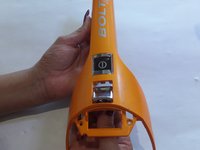
    • Remove the orange frame

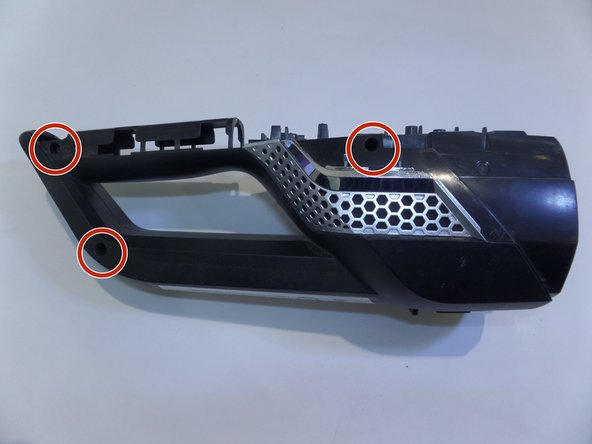
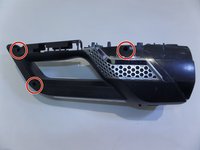
    • Remove the 3 screws on the right side of the vacuum.

    Chiedi a FixBot

    Aggiungi Commento

  5. Bissell Bolt ION 2-in-1 Cordless Battery Replacement: passo 5, immagine 1 di 3 Bissell Bolt ION 2-in-1 Cordless Battery Replacement: passo 5, immagine 2 di 3 Bissell Bolt ION 2-in-1 Cordless Battery Replacement: passo 5, immagine 3 di 3
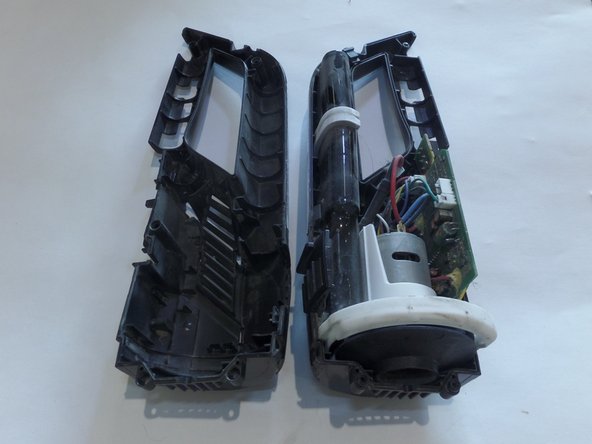
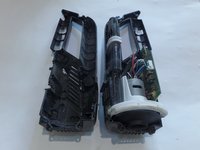
    • With metal spudger remove the metal clip on both sides.

    • Pull device apart using great force

    Chiedi a FixBot

    Aggiungi Commento

Conclusione

To reassemble your device, follow these instructions in reverse order.

Annulla: non ho completato questa guida.

Altre 13 persone hanno completato questa guida.

24Commenti sulla guida

Do you have the specs for the replacement battery? Model number? Any suggested sources?

Don Abrams - Rispondi Condividi

There is no replacement battery. The vacuum does have a two year warranty. If you call Bissell, they will replace the vacuum.

Marietta Eastham - Rispondi Condividi

They will replace it with a refurbished one. In 6 months the same thing will happen and they don't warranty the replacement.

elarvick - Rispondi Condividi

So why show how to take it apart if I can't replace the battery??

scott brumback - Rispondi Condividi

Dang, nice tutorial for a rather obscure dissection. Thank you.

nhgccc1 - Rispondi Condividi

Aggiungi Commento

Visualizza statistiche:

Ultime 24 ore: 3

Ultimi 7 giorni: 11

Ultimi 30 giorni: 75

Tutti i Tempi: 19,492