Introduzione
In this guide the user will have to open the back of the phone and remove the top pate to expose the battery connection to the motherboard. Because the battery is not supposed to be removed, there is an adhesive on the back of the battery that makes it difficult to remove from the phone. The metal spudger is the best tool to use to pry the battery from the phone body.
Cosa ti serve


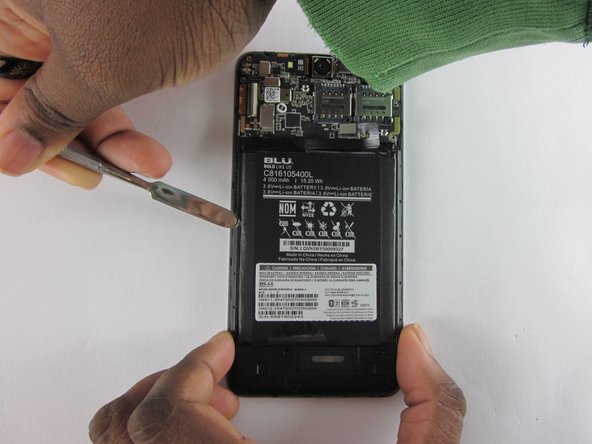
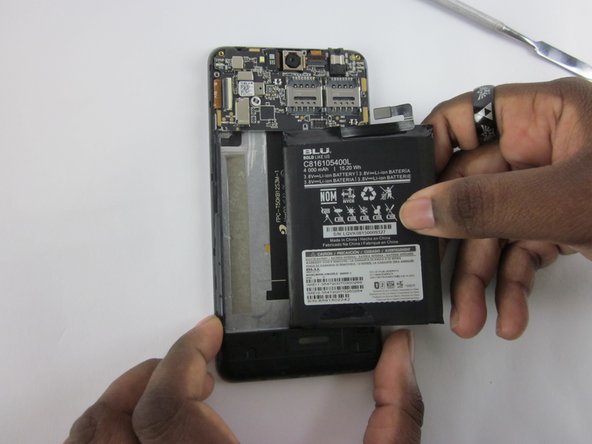
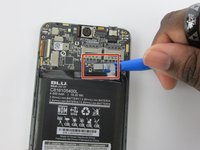
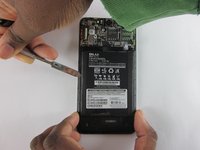
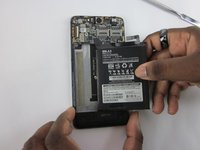
To reassemble your device, follow these instructions in reverse order.
Annulla: non ho completato questa guida.
Altre 4 persone hanno completato questa guida.

Team

USF Tampa, Team 12-2, Eyestone Spring 2016 Membro di USF Tampa, Team 12-2, Eyestone Spring 2016
USFT-EYESTONE-S16S12G2
3 Membri
5 guide realizzate
2Commenti sulla guida
Hi. I my short Band Aid q makes connection between the battery and cell .. q do ? They are fixable ?
directions were pretty straightforward... mine had a tiny sticker w/ the "B" in BLU printed, covering the screw on the upper left corner that needed removal (warranty?). otherwise, simple replacement...thanks!
