Introduzione
This guide will show you how to remove the front camera of your Asus PadFone S. Some common tools are required for this replacement so make sure you have them before you start. You must also remove the battery and logic board beforehand. This guide will make it easy to replace a broken or damaged front camera to get your phone working again.
Cosa ti serve
-
-
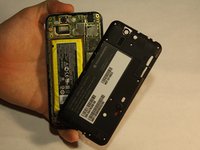
Place your thumb in the charging port and pry the back cover off of the phone.
-
-
-
Remove all screws using the T5 Torx screwdriver
-
Lift the back panel off the phone.
-
-
Attrezzo utilizzato in questo passaggio:Tweezers$4.99
-
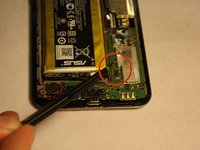
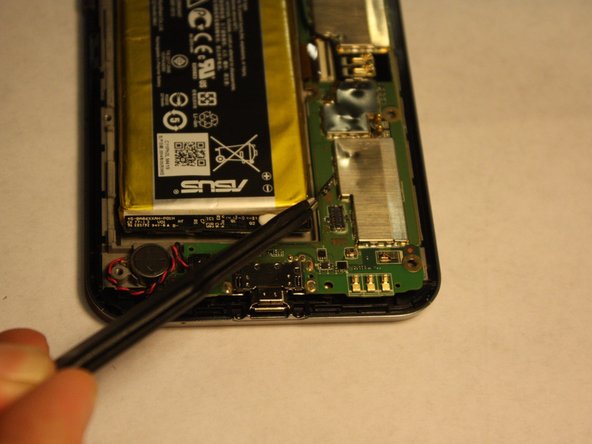
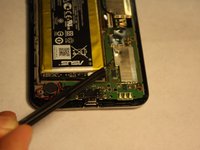
Disconnect the battery from the logic board using tweezers
-
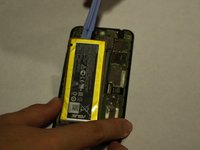
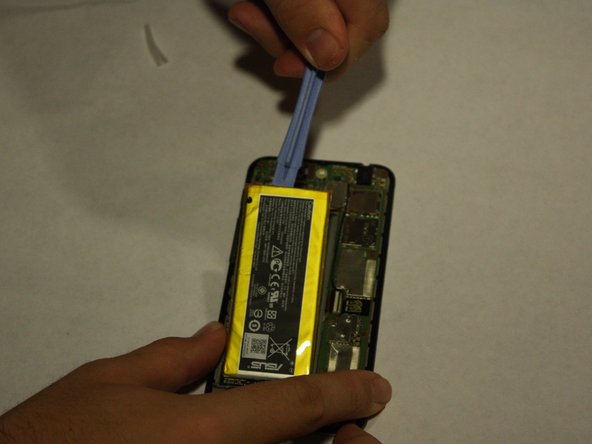
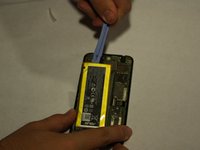
Using the plastic opening tools, lift the battery up from its slot
-
-
-
-
Once the Battery has been successfully removed, move on to the step 2.
-
-
Attrezzo utilizzato in questo passaggio:Tweezers$4.99
-
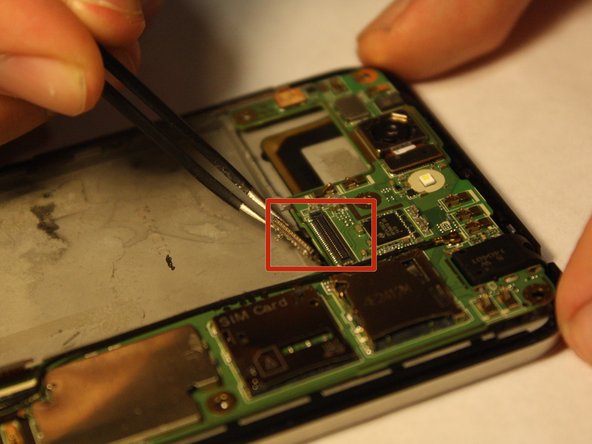
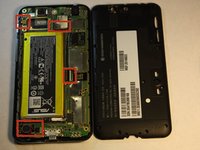
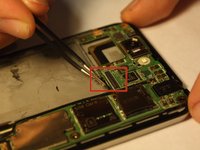
Disconnect the marked strips from the logic board using the tweezers.
-
Remember to remove speaker connection located at the bottom left hand corner.
-
-
-
Disconnect the other two strips that connect the logic board to the phone.
-
-
-
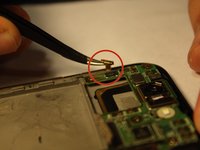
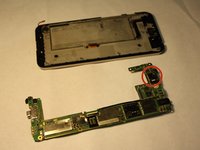
Turn over the logic board to locate the front camera.
-
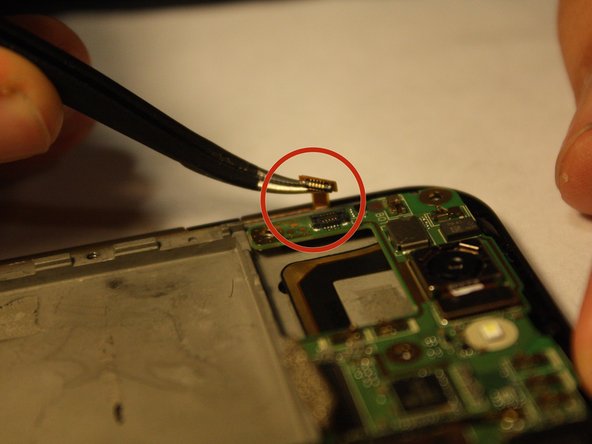
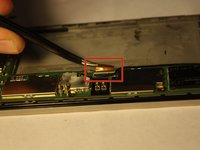
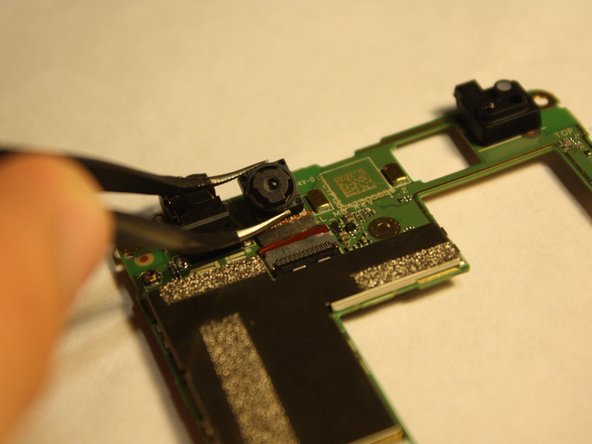
Grasp the sides of the camera with the tweezers and carefully remove the camera from the logic board.
-






To reassemble your device, follow these instructions in reverse order.
Annulla: non ho completato questa guida.
Un'altra persona ha completato questa guida.



Team

UMass Dartmouth, Team 6-1, Vijaybhaskar Fall 2014 Membro di UMass Dartmouth, Team 6-1, Vijaybhaskar Fall 2014
UMASSD-VIJAYBHASKAR-F14S6G1
3 Membri
10 Guide realizzate
