Introduzione
In this guide, we will show you how to safely replace the case of your Anbernic RG35XXSP handheld console.
Over time, the case of your device can become scratched, cracked, or damaged from regular use. A worn case can affect the appearance of your console and make it more vulnerable to further damage. Replacing it with a new case can improve durability and provide better protection for your device.
Common causes
- Cracks, scratches, or dents on the exterior
- Loose or broken buttons due to case wear
- The case doesn’t fit properly or is loose
- Significant wear and tear that affects the device’s appearance
This guide will walk you through each step of the case replacement process, with helpful tips to ensure a smooth and easy repair.
Before you begin the repair, power off and unplug your device.
Cosa ti serve
-
-
-
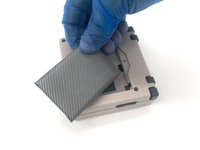
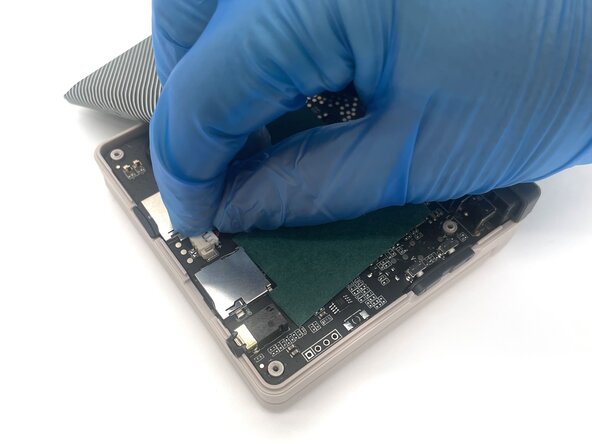
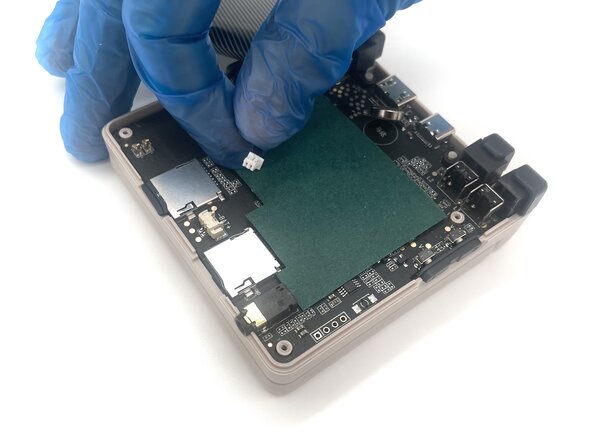
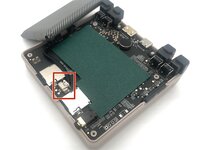
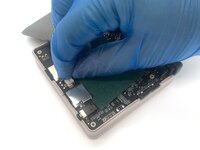
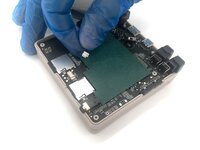
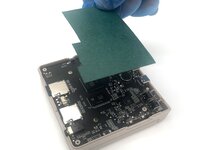
Lift up the green sheet of paper from the motherboard.
-
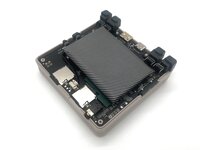
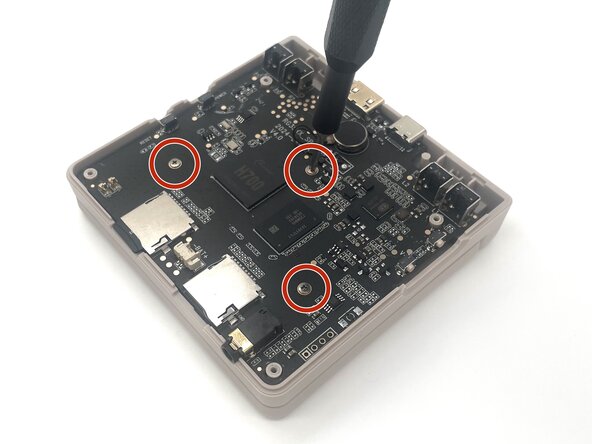
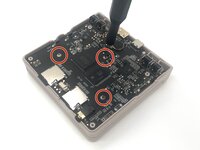
Use a Phillips #00 screwdriver to remove the three 5 mm screws from the motherboard.
-
-
-
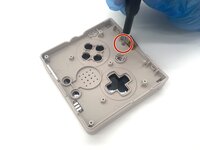
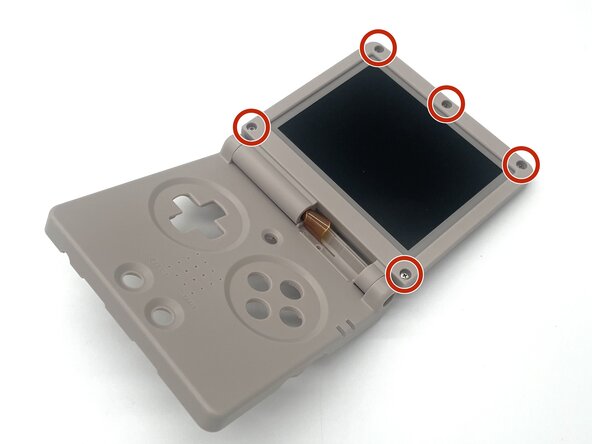
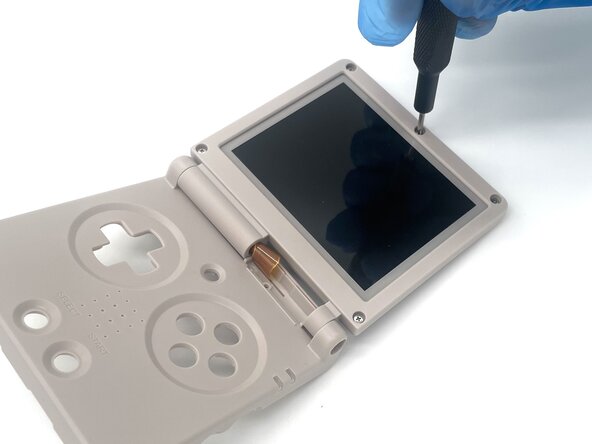
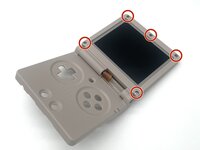
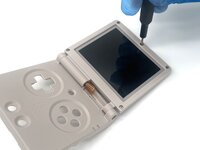
Use a Phillips #00 to remove the single 5 mm screw located next to the display ribbon cable.
-
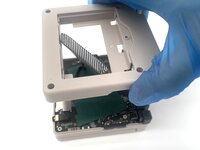
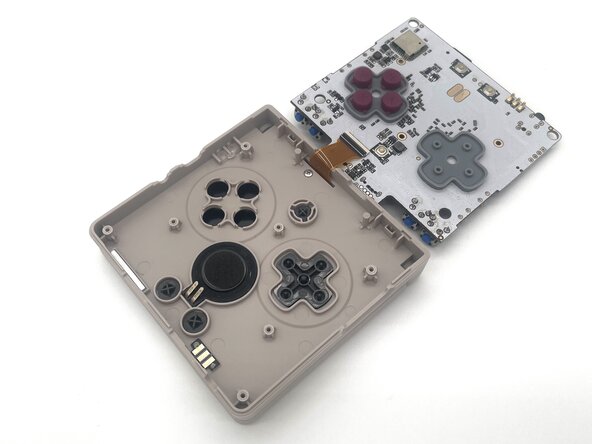
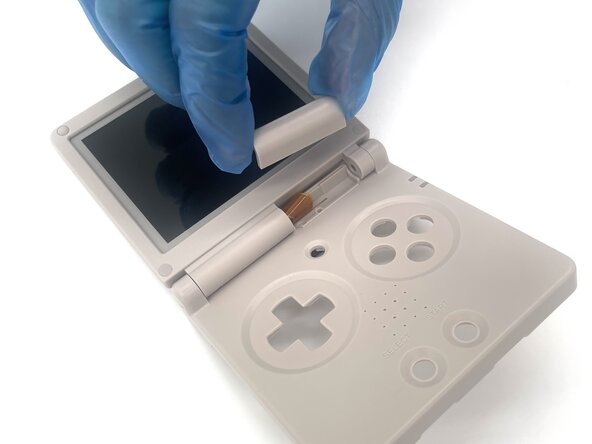
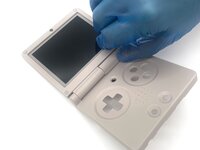
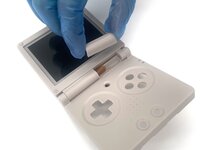
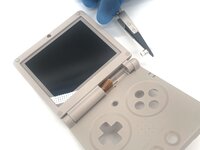
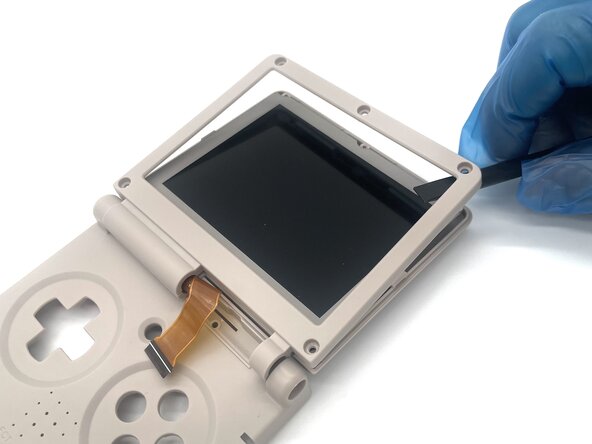
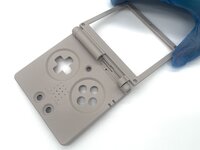
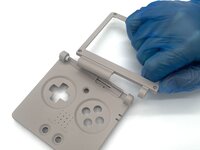
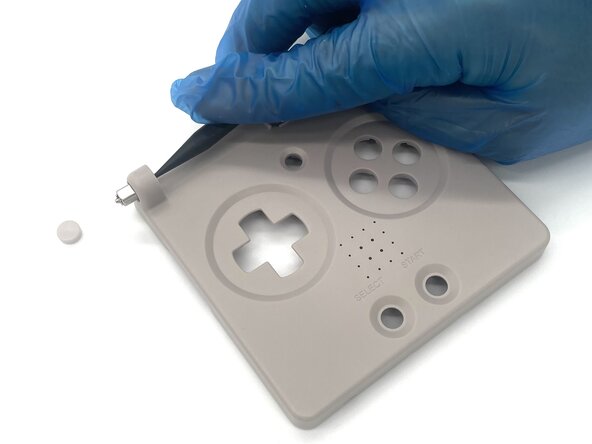
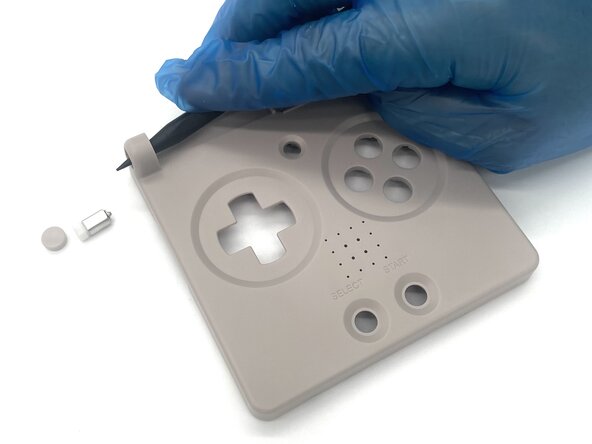
Flip the device over so it's facing up and remove the loose plastic hinge cover.
-

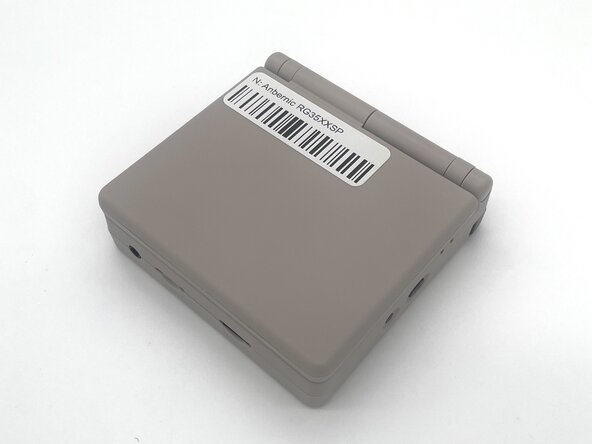
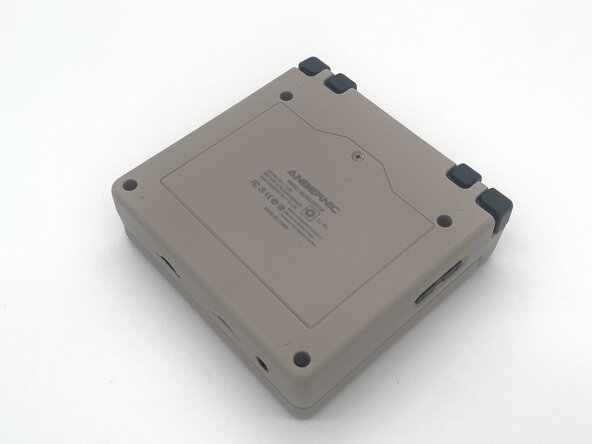


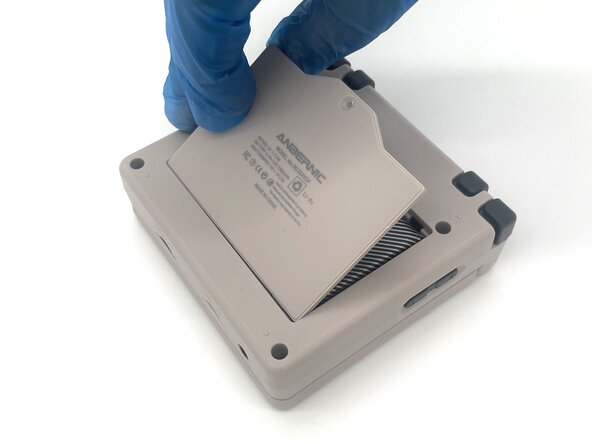


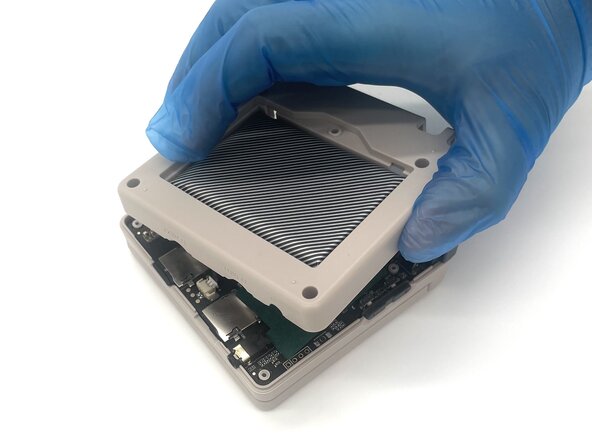
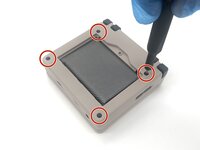
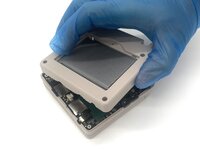

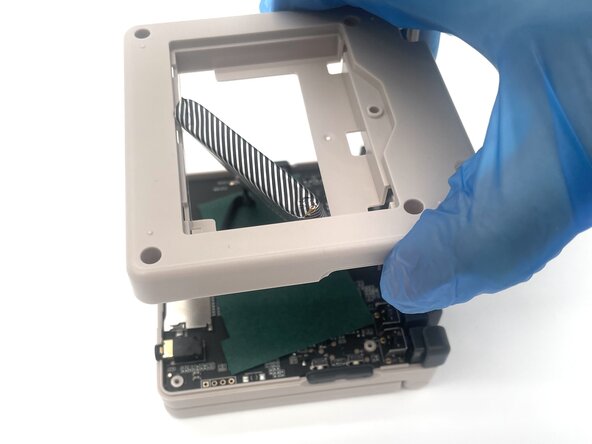
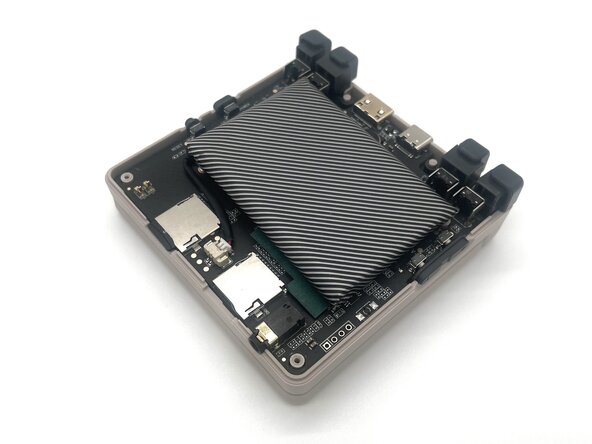



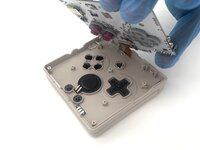
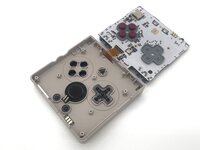

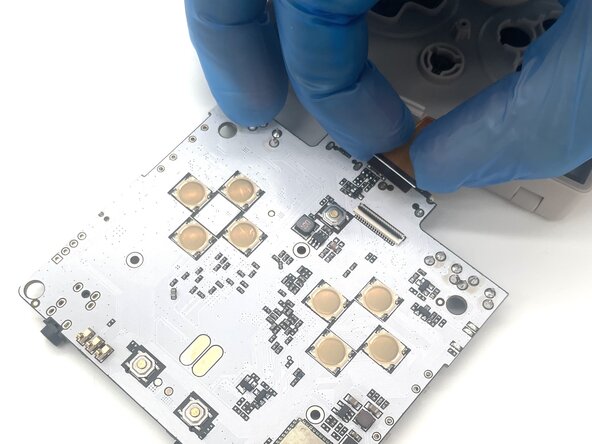
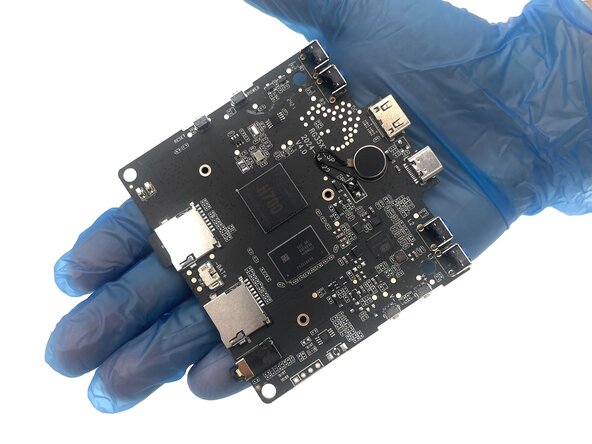
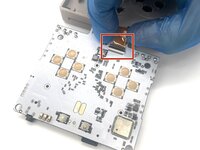
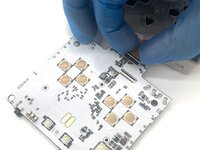
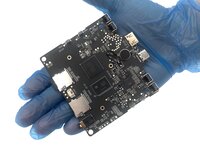

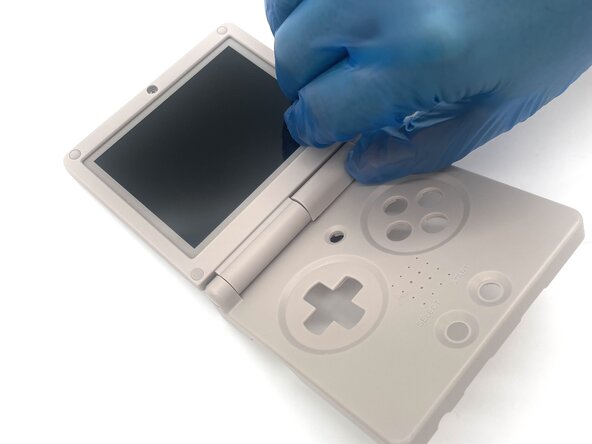

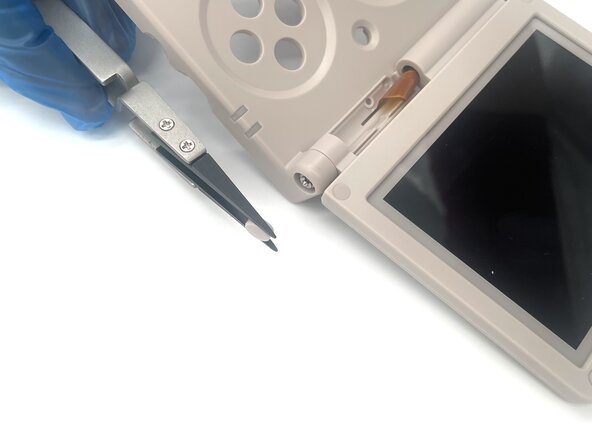
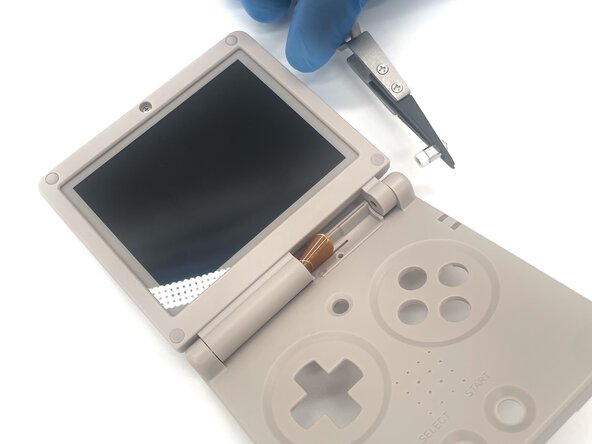


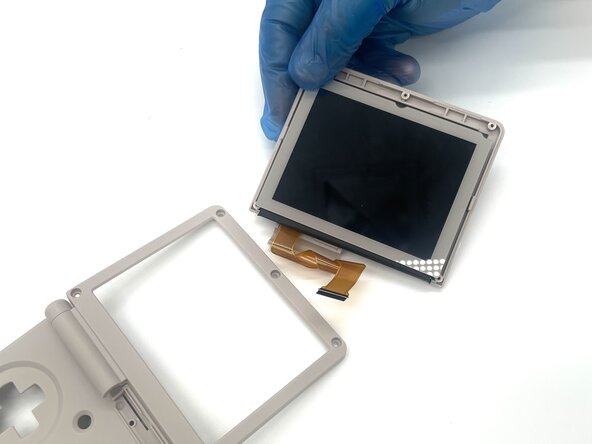
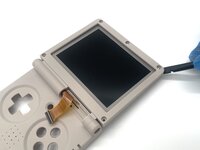
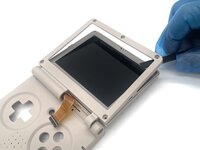
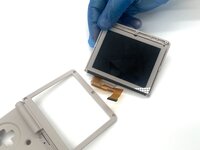

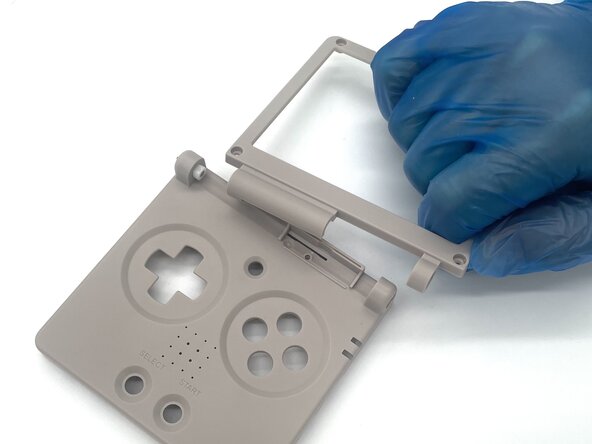

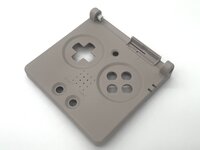
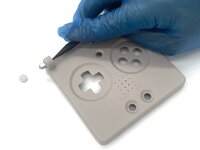
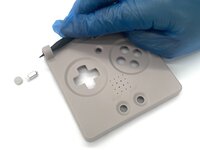
To reassemble your device, follow these instructions in reverse order. Take your e-waste to an R2 or e-Stewards certified recycler.
Annulla: non ho completato questa guida.
Altre 4 persone hanno completato questa guida.


Team

University of North Texas, Team 1-2, Kilpatrick Spring 2025 Membro di University of North Texas, Team 1-2, Kilpatrick Spring 2025
UNT-KILPATRICK-S25S1G2
4 Membri
5 Guide realizzate
