Introduzione
The shoulder buttons on your Anbernic RG 40XXV act as trigger buttons for easy gameplay. On the RG 40XXV, they are located on the back side of the case above the battery. These buttons are easy to replace, and this guide will walk you through replacing them to get your RG 40XXV back to gaming if they have stopped functioning.
Before beginning this guide, ensure the Anbernic RG 40XXV is fully powered off.
Cosa ti serve
-
-
Remove the micro SD card located on the left and right sides of the device by pushing into the SD card slot and pulling the card out.
-
Unscrew all six 7.5 mm screws on the backside of the case using a 1.5 mm hex screwdriver.
-
-
-
-
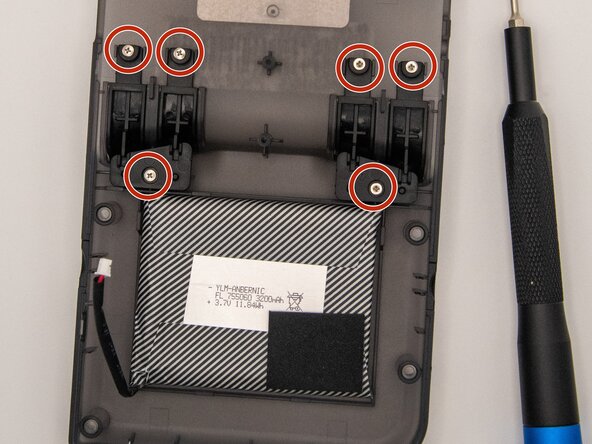
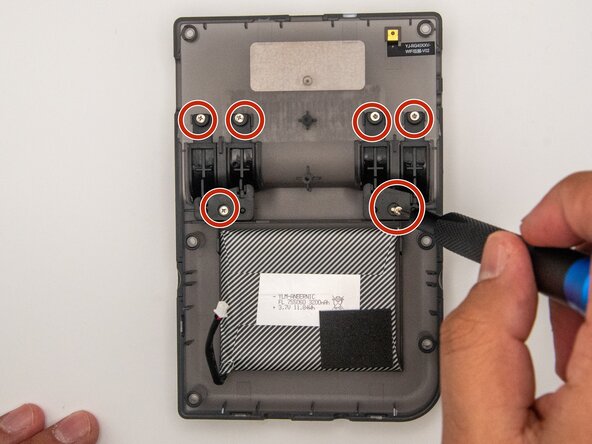
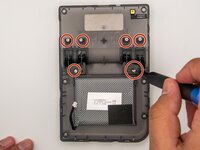
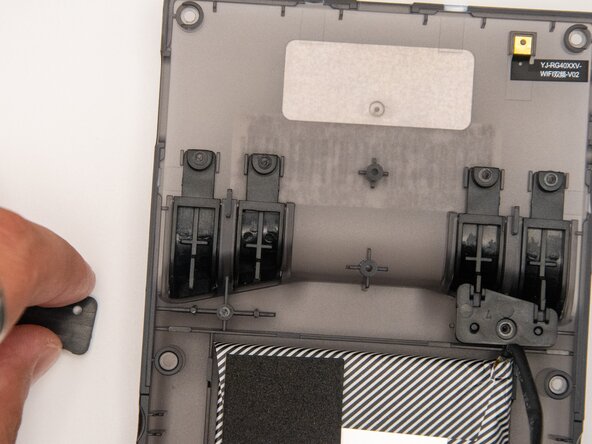
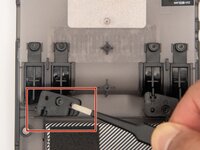
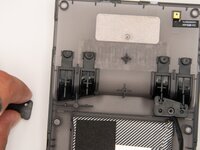
Using a Phillips #000 screwdriver, unscrew the six 5 mm screws holding the shoulder buttons in place.
-




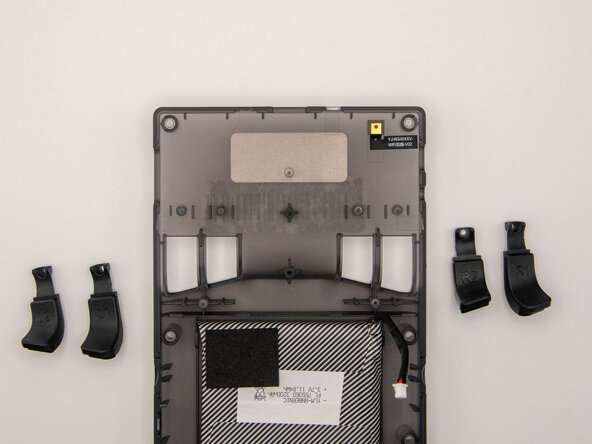
To reassemble your device, follow these instructions in reverse order.


Team

Idaho State University, Team 1-2, Watkins Spring 2025 Membro di Idaho State University, Team 1-2, Watkins Spring 2025
ISU-WATKINS-S25S1G2
3 Membri
4 Guide realizzate
